

TLDR, Quick Summary
- The best AI tools for teachers in 2026 are MagicSchool AI (lesson planning), Gradescope (grading), and Gamma AI (presentations).
- Teachers who use AI weekly save about 6 hours a week on routine tasks, according to a 2025 Walton Family Foundation and Gallup study.
- Free tiers from ChatGPT, Canva, Diffit, and MagicSchool AI cover most daily classroom needs.
- For UK and GCC schools, prioritise tools with multi-language support and British curriculum alignment.
Teachers are drowning in paperwork, spending weekends grading assignments, and struggling to create engaging lessons that meet every student's needs. Sound familiar? You're not alone. A 2025 Walton Family Foundation and Gallup study found that teachers who use AI weekly save about 6 hours a week on routine tasks, while MagicSchool AI reports a higher 7 to 10 hours from its own users. This guide covers the 15 best AI tools for teachers in 2026, including free options that won't cost you anything.
The problem isn't that teachers don't work hard enough, it's that teachers are spending too much time on tasks AI handles better and faster. From lesson planning that takes hours to grading that eats up weekends, there are smarter ways to get things done.
This guide breaks down the most practical AI tools for teachers based on what educators actually need to accomplish. No fluff, no complicated setups, just real solutions for real teaching challenges.
Key Takeaways
- 60% of teachers used AI at least occasionally in 2024-25; the roughly one-third who use it weekly save about 6 hours a week (Walton Family Foundation and Gallup, 2025).
- Start with one tool that solves your biggest pain point, don't try to use every tool at once.
- Free tiers from MagicSchool AI, ChatGPT, Canva, and Diffit cover most daily teaching tasks.
- Student privacy matters: never input student names or personal data into general AI tools, stick to education-specific platforms that meet FERPA (US) or UK GDPR and local data-protection rules.
- In TRT's GCC client schools, teachers describe saving several hours a week, with the biggest gains in differentiated materials and multilingual parent communications.
Quick answer
The best AI tools for teachers in 2026 help with lesson planning, grading, content creation, differentiation and admin. The strongest picks save real time while keeping teachers in control. This guide covers top tools by task and how to use them responsibly in the classroom.
How 60% of Teachers Are Using AI to Improve Their Teaching
A 2025 survey by the Walton Family Foundation found that 60% of teachers used AI at least occasionally in 2024-25, and the roughly one-third who use it weekly save about 6 hours a week, while 40% did not use AI at all and improved student outcomes.
What's Actually Working in Real Classrooms
Lesson Planning Revolution: "The teachers are innovating," according to Andrea Malek Ash, lead author of the Walton Family Foundation report and senior research consultant at Gallup. Teachers using AI lesson planning tools are cutting 2-hour planning sessions down to 15 minutes.
Grading That Doesn't Kill Weekends: According to Dorothy Leidner, professor of business ethics at the University of Virginia, when course material involves largely declarative knowledge with clear right-or-wrong answers, AI grading "might be even superior to human grading." AI grading tools are proving especially effective for large-scale assessments.
Administrative Task Automation: A 2024 Salesforce education industry report found that 23% of tertiary education institutions have integrated AI chatbots for student services. Beyond chatbots, teachers are using AI to automate attendance notes, parent update emails, and curriculum documentation.
Content Creation Speed: English teachers generate discussion questions for any text in minutes. Science teachers produce lab safety protocols and experiment instructions on demand. Social studies teachers pull primary source questions and current events connections, all in a fraction of the time it used to take.
The real impact: teachers consistently report three benefits, getting their evenings back, providing better feedback to students, and having more energy for actual teaching. The key isn't replacing teacher expertise; it's eliminating the time-consuming busywork.
Getting Started: Choosing the Best AI Tools for Teachers
The biggest mistake teachers make is trying to use every AI tool at once. Instead, start with your biggest pain point and find one tool that solves it well.
For Quick Wins, General AI Tools
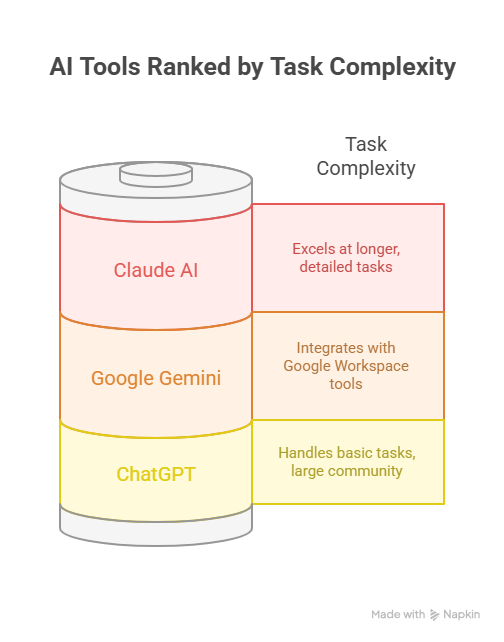
- ChatGPT: Handles most basic teaching tasks and has the largest community of educators sharing prompts. The free version works fine for lesson planning, discussion questions, and email templates. ChatGPT Plus ($20/month) adds faster responses and file upload support.
- Claude AI: Excels at longer, more detailed tasks like unit planning and curriculum development. Maintains context better across lengthy conversations, making it ideal for complex educational projects.
- Google Gemini: Free with any Google account and integrates seamlessly with Google Workspace. If your district runs Google Classroom, Docs, and Sheets, Gemini is the most natural fit for daily workflow.
Free AI Tools for Teachers (No Credit Card Required)
Looking for AI tools that won't dent your teacher's salary? These options offer genuinely useful free tiers:
Completely Free
- ChatGPT (Free), Handles lesson planning, discussion questions, and email drafts.
- Google Gemini, Free with any Google account and integrates with Google Classroom.
- Canva Free, Basic design tools and templates for worksheets and presentations.
Generous Free Tiers
- MagicSchool AI, Free basic tier covers most common tasks.
- Diffit, Free reading level adaptation.
- Curipod, Free interactive lesson elements.
- Eduaide.AI, Free template access.
Free Trials Worth Trying
- Gradescope, Often included in existing school Turnitin subscriptions.
- Gamma AI, 400 free credits (enough for 40+ presentations).
Pro Tip for UK Teachers: Many British International Schools in the UAE and Saudi Arabia have institutional subscriptions to premium AI tools. Check with your IT department before paying out of pocket.
Not sure which AI tools fit your school's needs?
Take our free 5-minute AI Readiness Quiz. It evaluates your infrastructure, team capabilities, and compliance requirements, then delivers a personalised implementation plan.
Take the Free AI Readiness Quiz →How we chose these tools
Every tool here was assessed against five criteria:
- A real classroom use case, not just a feature list
- A genuine free tier or trial a teacher can start today
- Student-data handling that fits FERPA (US) or UK GDPR
- Measurable time saved on planning, grading or communication
- Fit for K-12 and, where relevant, UK and GCC curricula
Quick Comparison: 15 Best AI Tools for Teachers
Pricing verified June 2026. Tool plans change often, so check each vendor's site for the latest figures.
Two more worth watching in 2026
- Khanmigo (Khan Academy): an AI tutor and teaching assistant that drafts lesson plans and gives students guided, step-by-step help. It has a free tier for US teachers and is one of the most cited AI tutors in 2026.
- Google Gemini for Education: rolled out across Google Workspace for Education in early 2026, with Gemini in Docs, Slides, Forms and Gmail. Strong fit if your school already runs on Google Classroom.
Specialized Tools for Specific Teaching Challenges
The real power comes from tools built specifically for education. These handle the unique requirements of teaching, from aligning curriculum standards to protecting student privacy.
Here's a breakdown by what you actually need to accomplish as a teacher.
AI Grading Tools for Teachers: Assessment Made Easy
Bonus: Source Book (Third Rock Techkno's own tool)
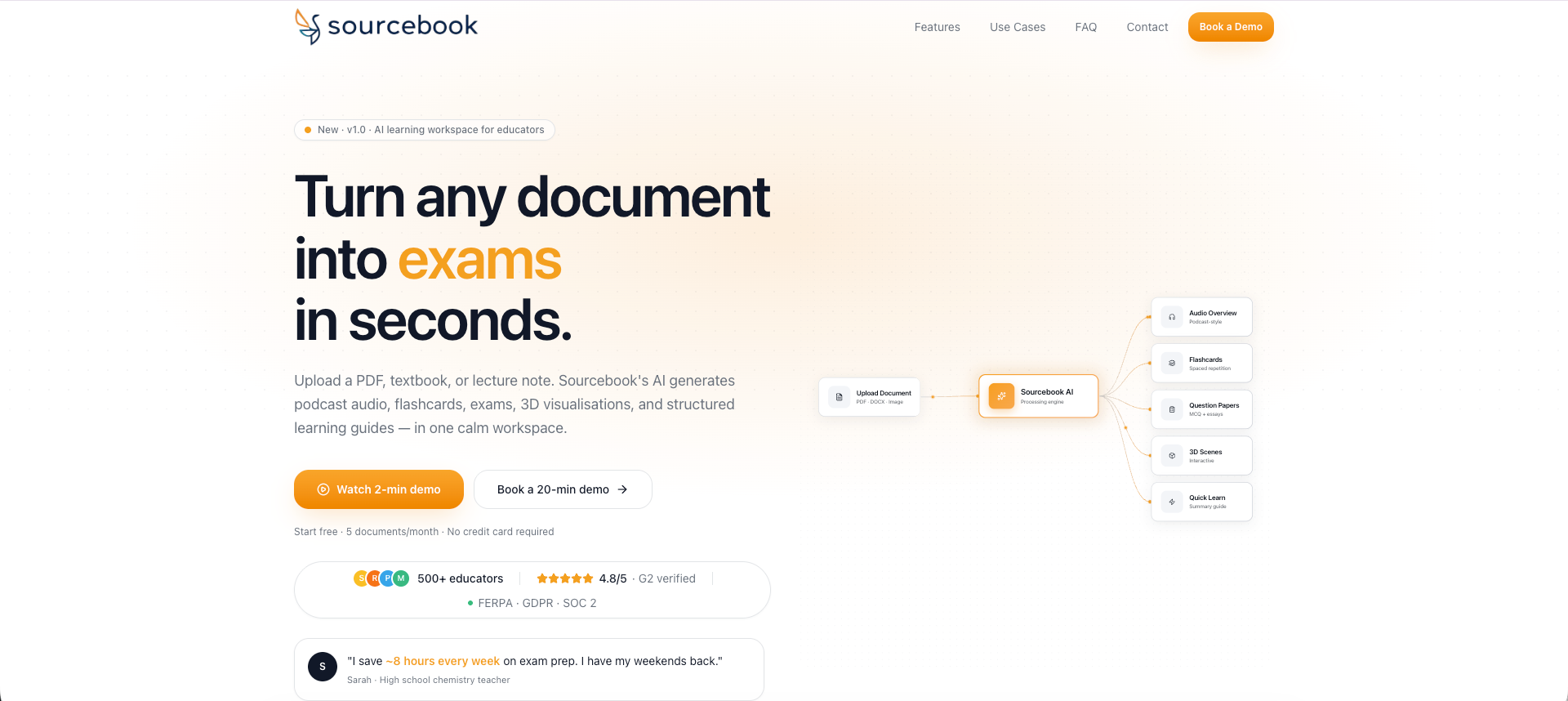
The all-in-one AI learning workspace that turns any document, whether a PDF, lecture notes, or a textbook, into exams, flashcards, audio podcasts, 3D visualisations, and study guides in minutes. Built specifically for K–12 and higher education, with student privacy compliance baked in.
Features & Benefits:
- Upload any document (PDF, DOCX, PPT, images, audio) and generate 10 AI-powered learning formats from a single source, with no separate tools required.
- AI exam generator creates configurable question papers (MCQ, short answer, essay, true/false) in under 2 minutes.
- Auto-graded MCQ assignments with time limits, attempt limits, and instant student feedback, with no manual marking needed.
- Two-host AI podcast audio generated from your documents, giving students an engaging alternative to re-reading dense notes.
- Interactive 3D visualisations and Quick Learn guides (roadmaps, formulas, timelines) help improve concept retention.
- Built-in analytics dashboard identifies at-risk students and tracks performance trends by day, week, and month.
- FERPA-aligned, GDPR-aligned, and built to meet SOC 2 Type II controls (attestation available on request), so it is safe for student data across UK, US, and GCC institutions.
Pricing: Free tier available 5 documents/month, all AI output formats, up to 20 students, no credit card required. Paid plans for schools and institutions. Enterprise plan includes self-hosting and custom LMS integration.
Gradescope by Turnitin
Quick take: Best for: grading at scale · Free tier: limited
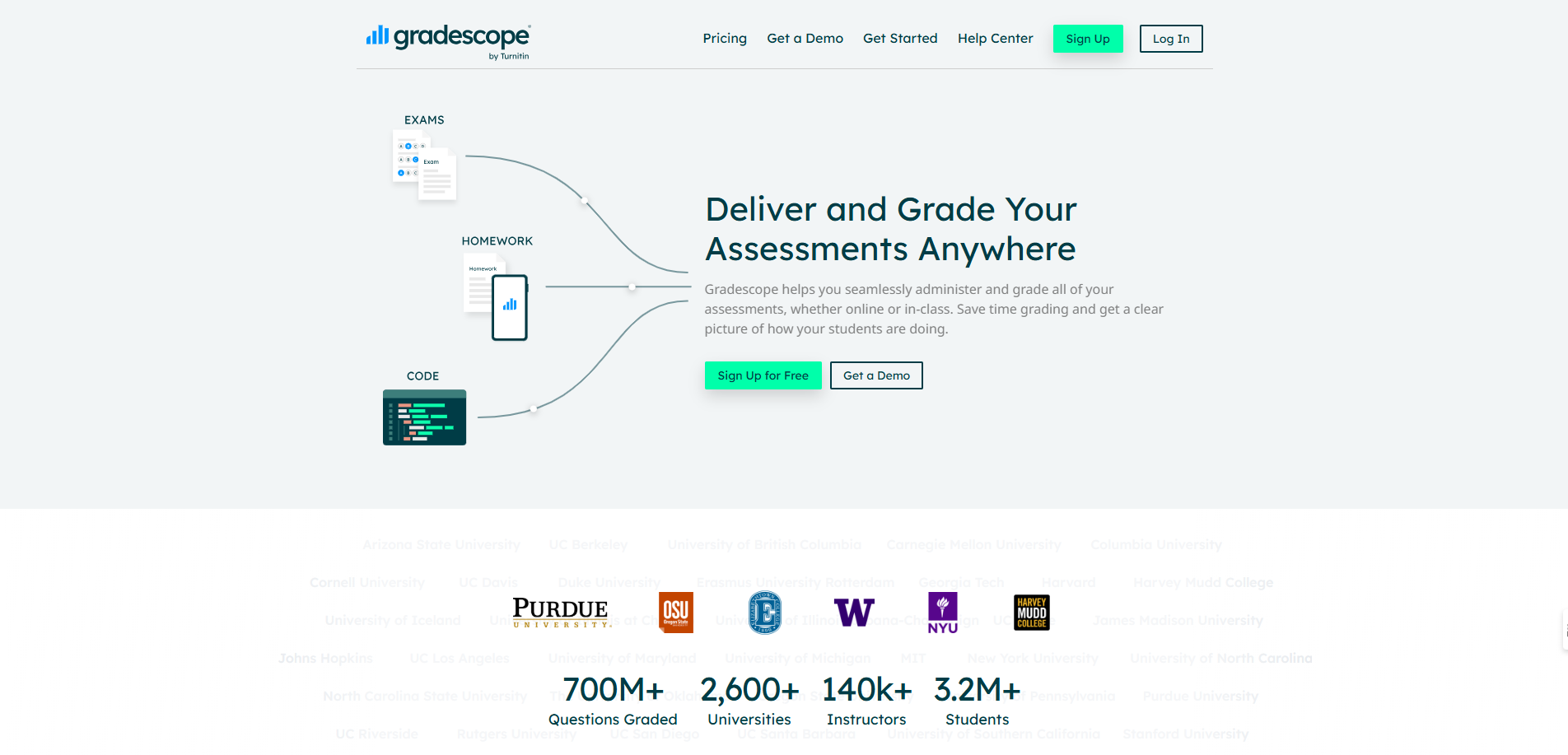
The gold standard for AI-assisted grading and assessment, specifically designed for educators who need to grade large volumes of paper-based and digital assignments efficiently.
Features & Benefits:
- Groups similar student responses so you grade once instead of reviewing identical answers repeatedly.
- Handles paper-based exams, online assignments, and programming projects.
- AI-assisted answer grouping cuts grading time by up to 80%.
- Integrates with Canvas, Blackboard, Moodle, and other LMS platforms.
- Provides detailed analytics on student performance by question and topic.
- Supports handwritten work recognition and digital annotation tools.
Pricing: Institution-based pricing, typically included in existing Turnitin subscriptions. Contact your institution for bulk pricing.
EdCafe AI
Quick take: Best for: feedback and grading · Free tier: yes
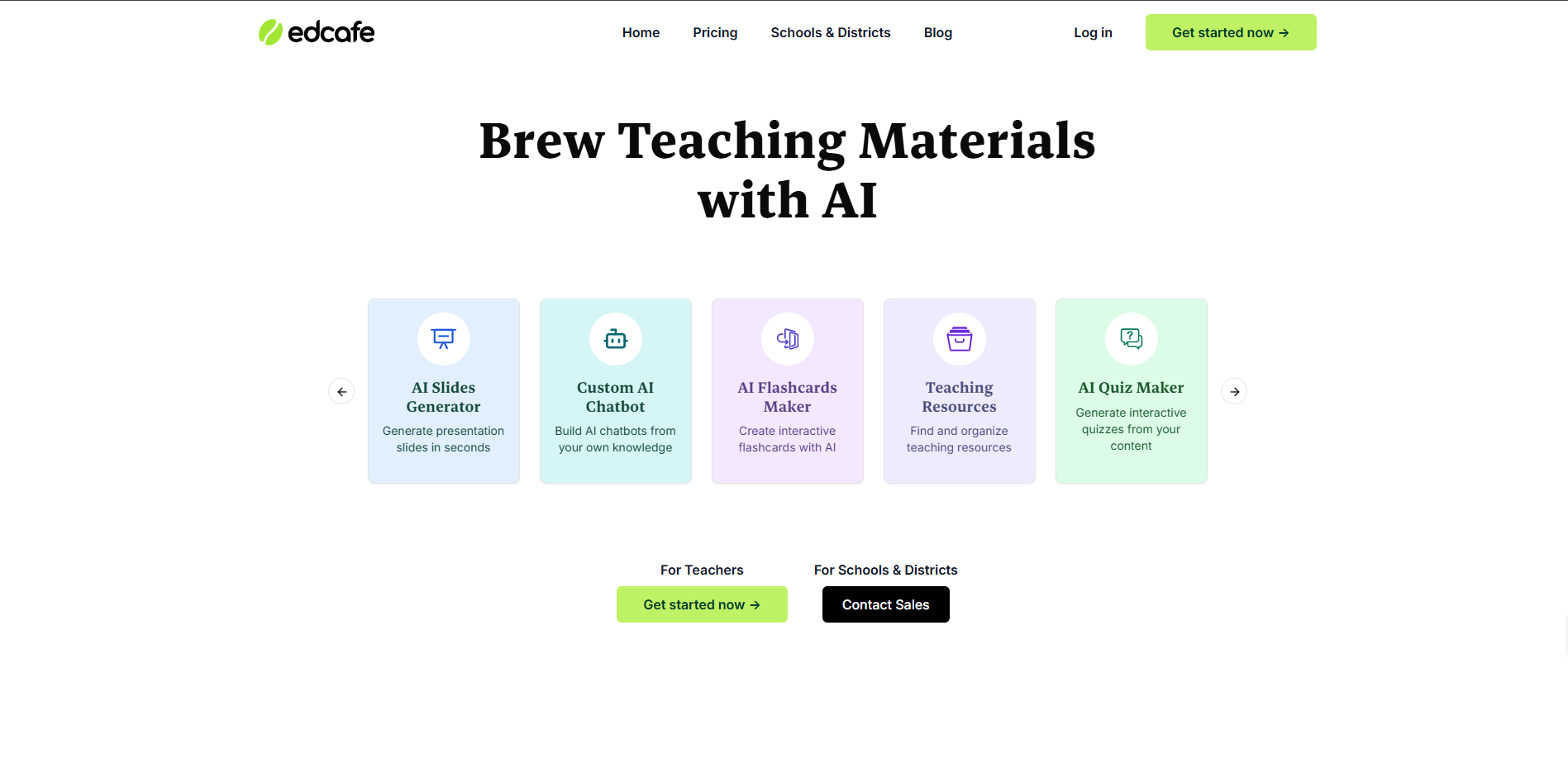
Focused on detailed, customisable feedback that goes beyond simple scoring to help students actually improve their work.
Features & Benefits:
- Provides contextual, constructive feedback for essays and open-ended responses.
- Teachers can edit AI-generated feedback before sending it to students.
- Works across subjects, including maths problem-solving with step-by-step analysis.
- Downloadable grading reports for progress tracking and parent conferences.
- Maintains teacher oversight while dramatically reducing grading time.
Pricing: Individual teacher subscriptions starting at $10/month, with school district plans available.
CoGrader
Quick take: Best for: essay grading · Free trial
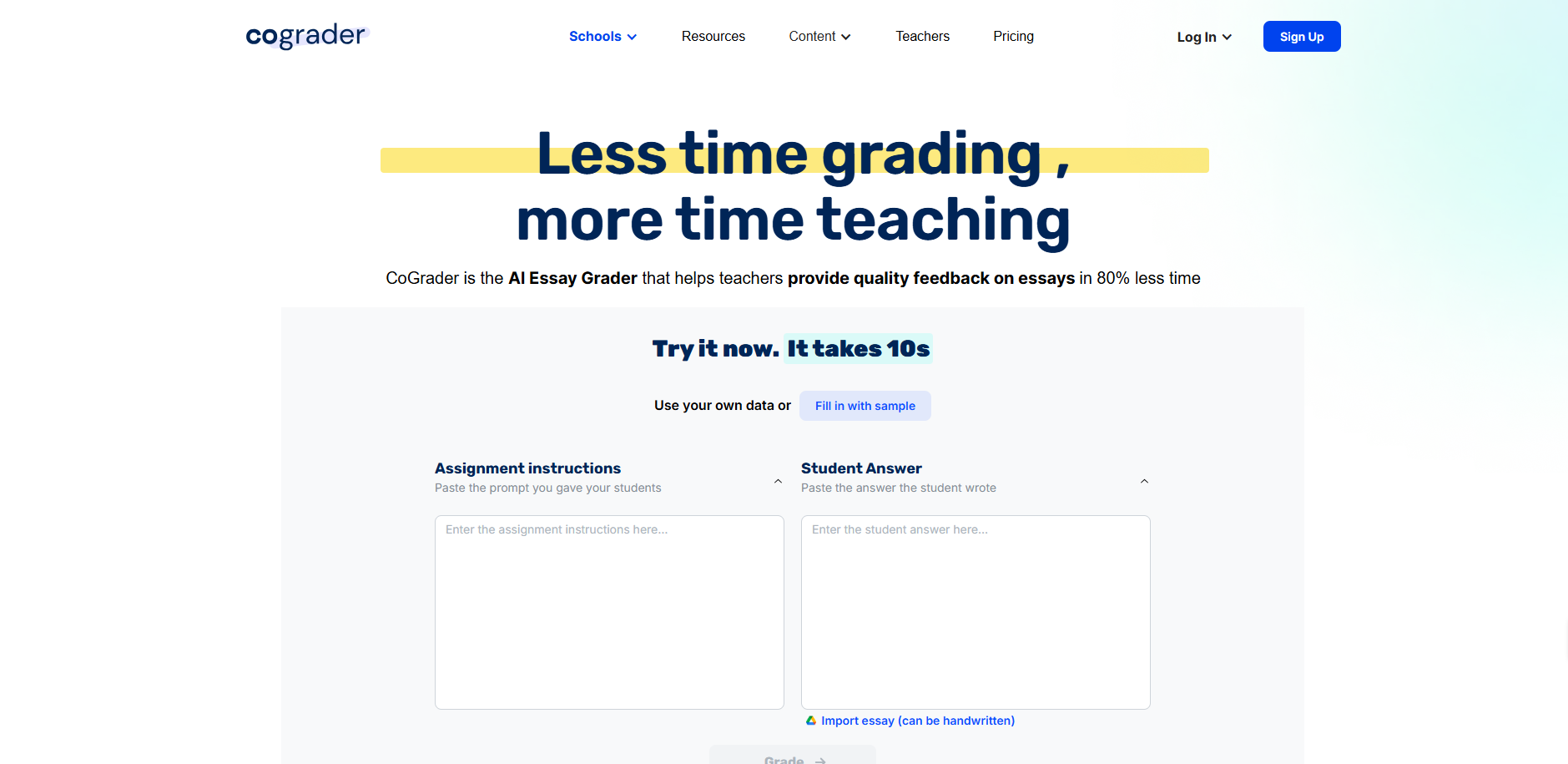
Fast AI grading specifically designed for essay and written assignment assessment, with teacher control over final decisions.
Features & Benefits:
- AI-assisted feedback generation for written assignments.
- Maintains complete teacher control over final grades and feedback.
- Integrates with Google Classroom for seamless workflow.
- Affordable pricing designed for individual educators.
- Quick setup that works with existing teaching methods.
Pricing: Individual teacher plans starting at $9.99/month, with a free trial available.
AI Lesson Planning Tools: Create Lessons in Minutes
MagicSchool AI
Quick take: Best for: all-round lesson planning · Free for teachers
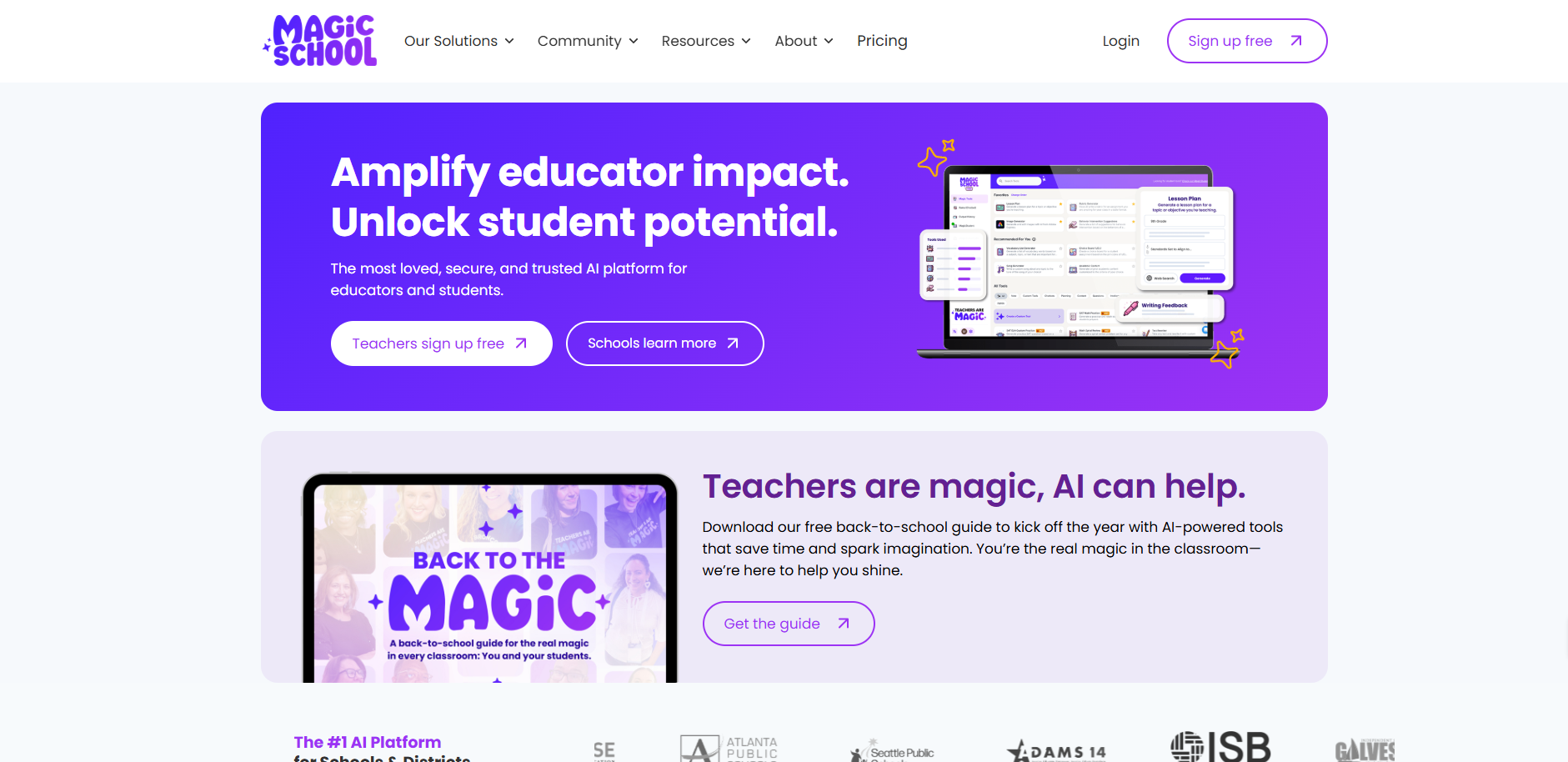
The most comprehensive AI lesson planning platform, trusted by over 6 million teachers worldwide for creating standards-aligned educational content.
Features & Benefits:
- Over 80 specialised tools for lesson plans, assessments, and educational materials.
- Creates differentiated lesson plans across all subjects and grade levels.
- Automatic standards alignment for Common Core, state standards, and district requirements.
- Generates rubrics, discussion questions, and extension activities.
- Used by teachers in nearly every U.S. school district.
- Free basic tier handles most common daily tasks.
Pricing: Free for individual teachers. Premium school/district plans start at $8.99/month per educator.
Eduaide.AI
Quick take: Best for: resource and assessment creation · Free tier: yes
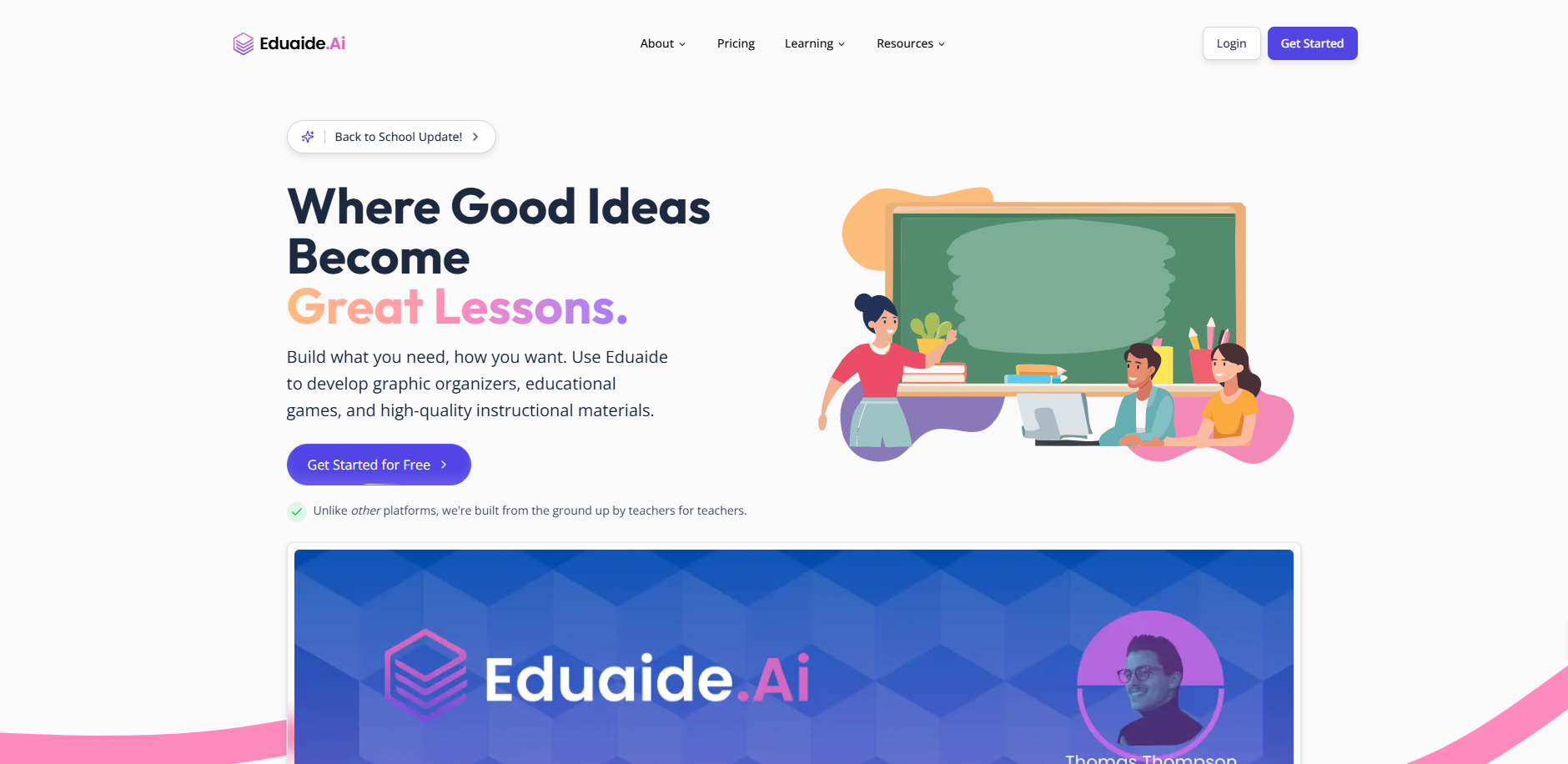
Over 110 educational resource templates designed specifically for K-12 classroom needs.
Features & Benefits:
- 110+ pre-built templates for lesson plans, graphic organisers, and activities.
- Subject-specific generators for maths, science, English, and social studies.
- Upload curriculum standards documents for automatic alignment.
- Creates learning objectives, assessments, and differentiated materials.
- Export to Google Docs, Microsoft Word, and PDF formats.
Pricing: Free basic tier. Premium individual plans at $5.99/month, with institutional pricing available.
Planit Teachers
Quick take: Best for: structured lesson plans · Free tier: yes
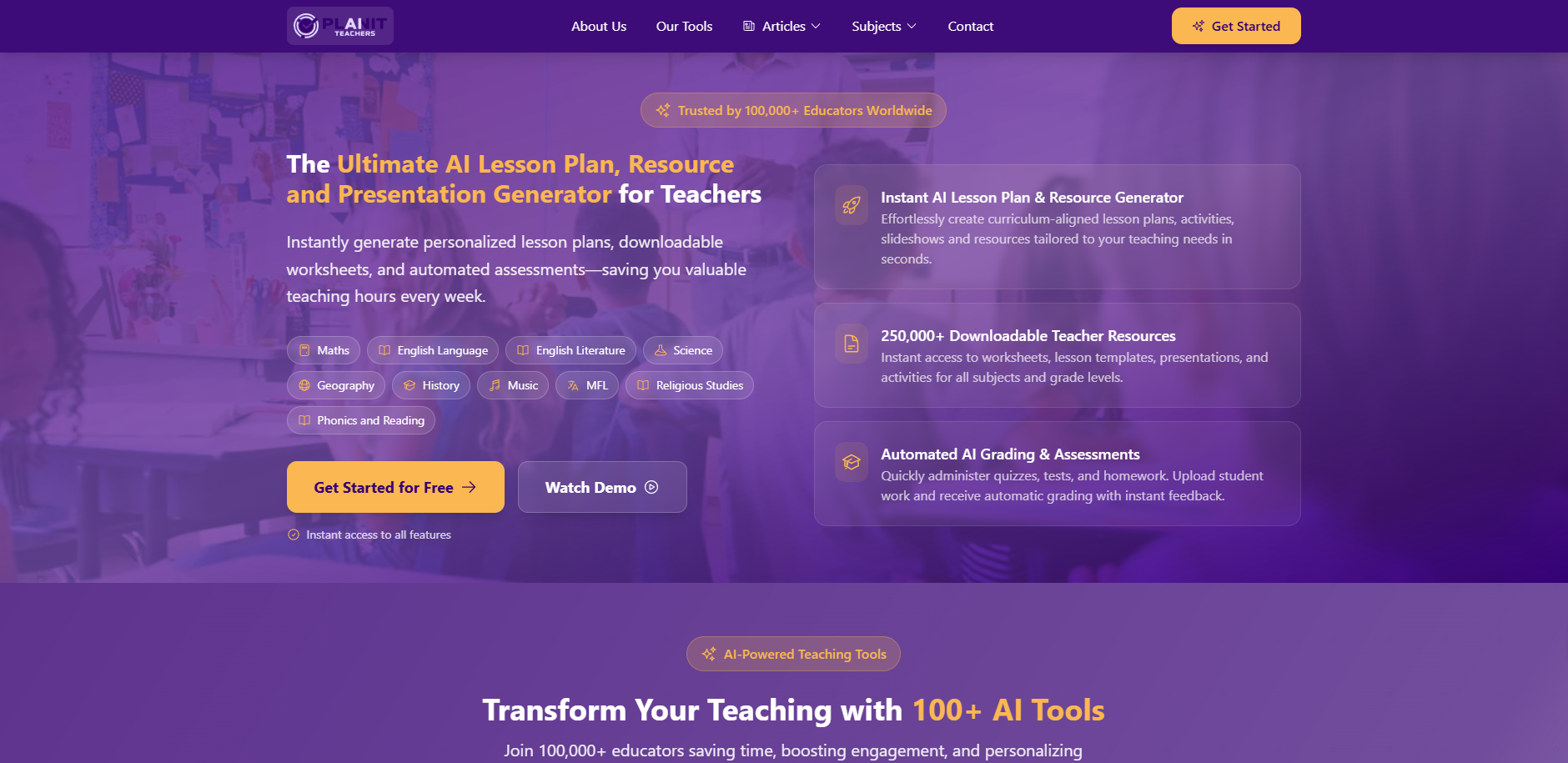
Specialised AI curriculum planning that creates comprehensive lesson plans with detailed timing, objectives, and activities.
Features & Benefits:
- Complete lesson plans generated from simple topic inputs.
- Subject-specific generators tailored for different grade levels.
- Includes differentiation suggestions and extension activities.
- Standards alignment built into every generated lesson.
- Reduces planning from hours to minutes.
Pricing: Monthly subscriptions starting at $9.99 for individual teachers.
AI Content Creation Tools for Teachers
Gamma AI
Quick take: Best for: slide decks and presentations · Free credits
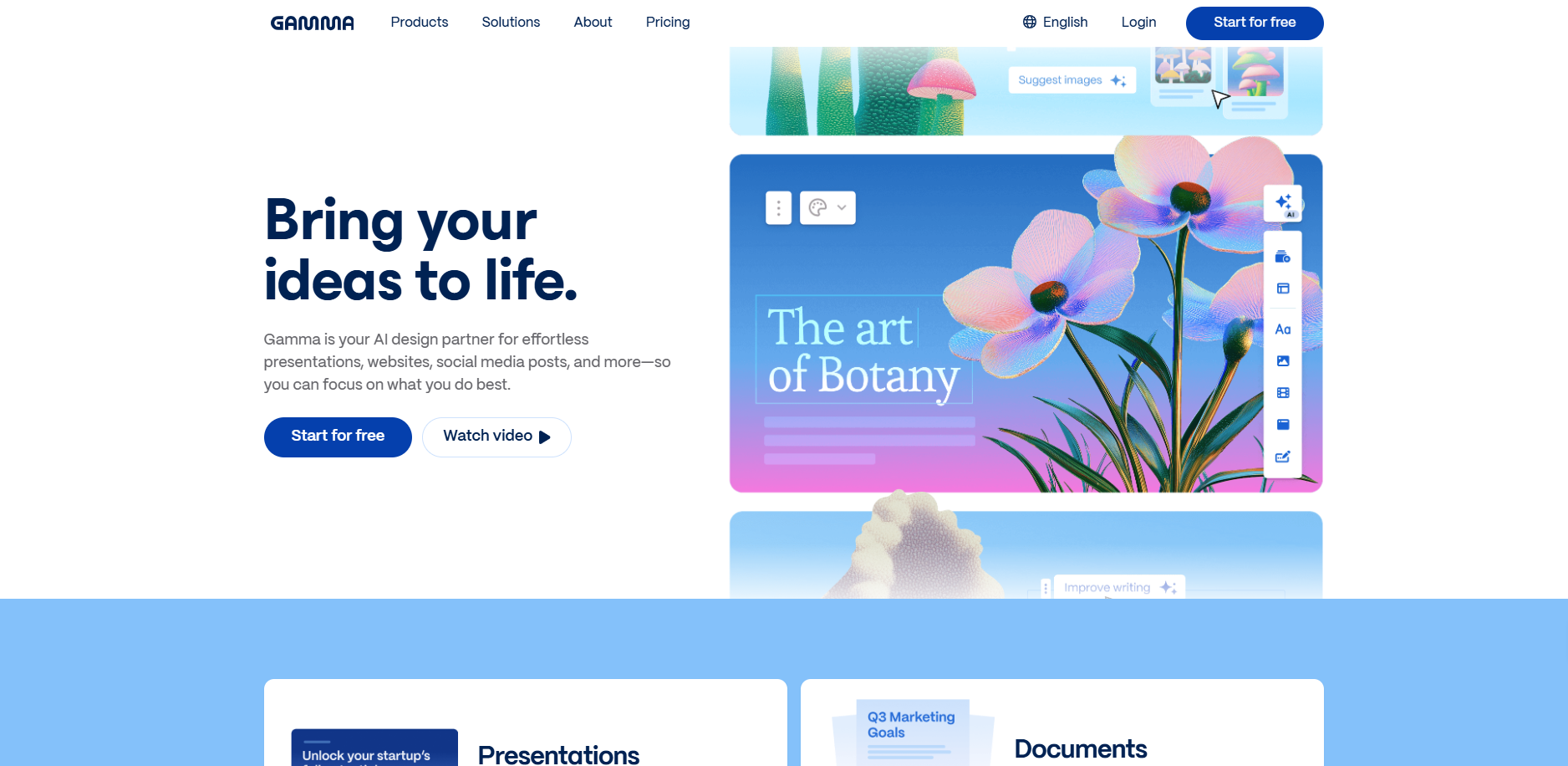
Creates complete slide decks, documents, and visual materials from simple prompts, no design experience required.
Features & Benefits:
- Creates polished presentations in seconds with appropriate visuals and layouts.
- Handles complex educational topics with smart content organisation.
- Export to PowerPoint, Google Slides, or PDF for classroom use.
- AI handles layout and visual elements automatically.
- Perfect for parent nights, student instruction, and professional development presentations.
Pricing: Free tier with 400 AI credits. Paid plans starting at $8/month.
Canva Magic Design
Quick take: Best for: visuals and design · Free for educators
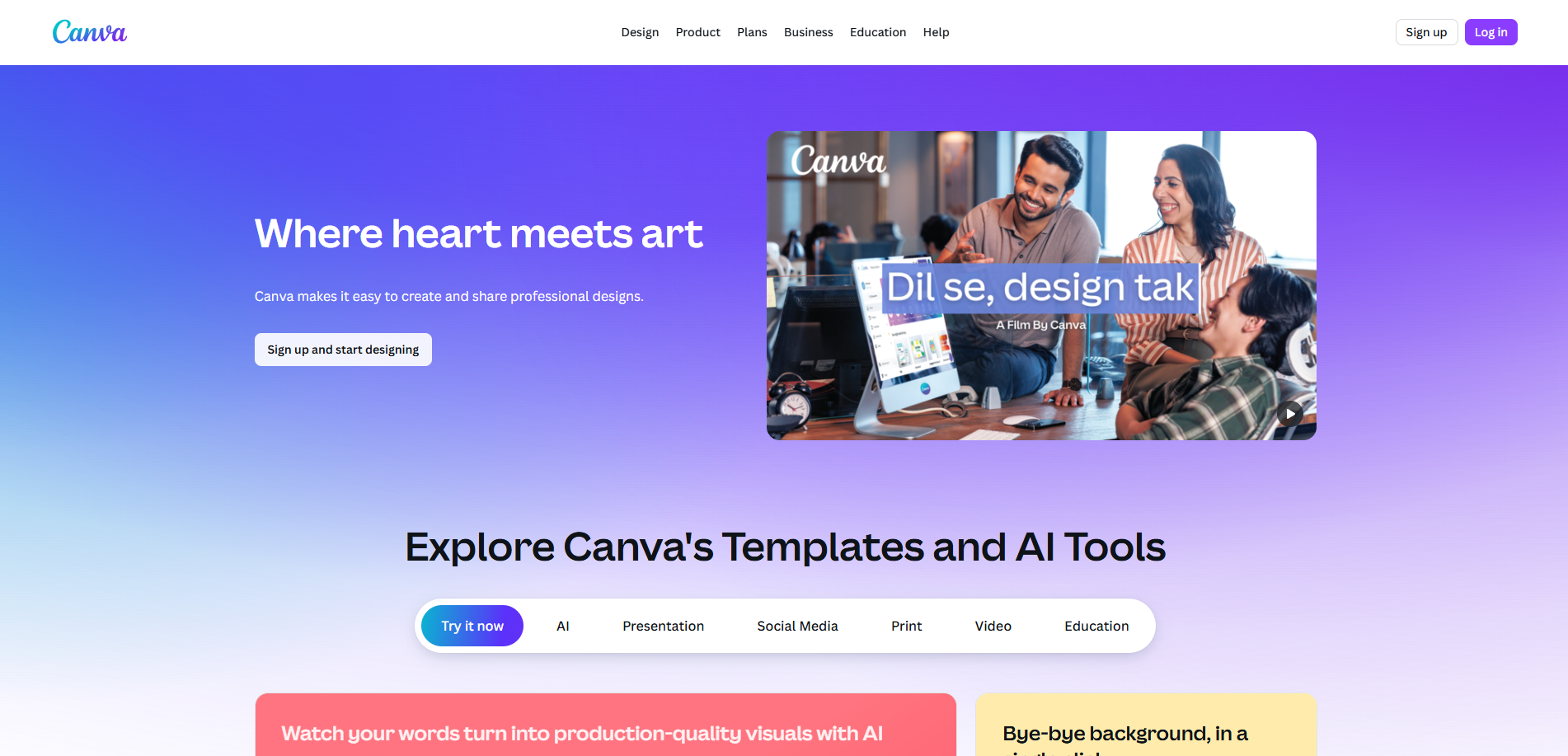
Generates professional educational materials including presentations, worksheets, and classroom displays.
Features & Benefits:
- AI-powered presentation tools with professional graphics and layouts.
- Brand kit integration ensures consistent school materials.
- The Magic Write feature adapts tone and style to your teaching voice.
- Includes presentation backgrounds, infographics, and social media content.
- Translate feature supports over 100 languages for diverse communities.
Pricing: Free version available. Canva Pro at $12.99/month per user.
Diffit
Quick take: Best for: differentiation and reading levels · Free tier: yes
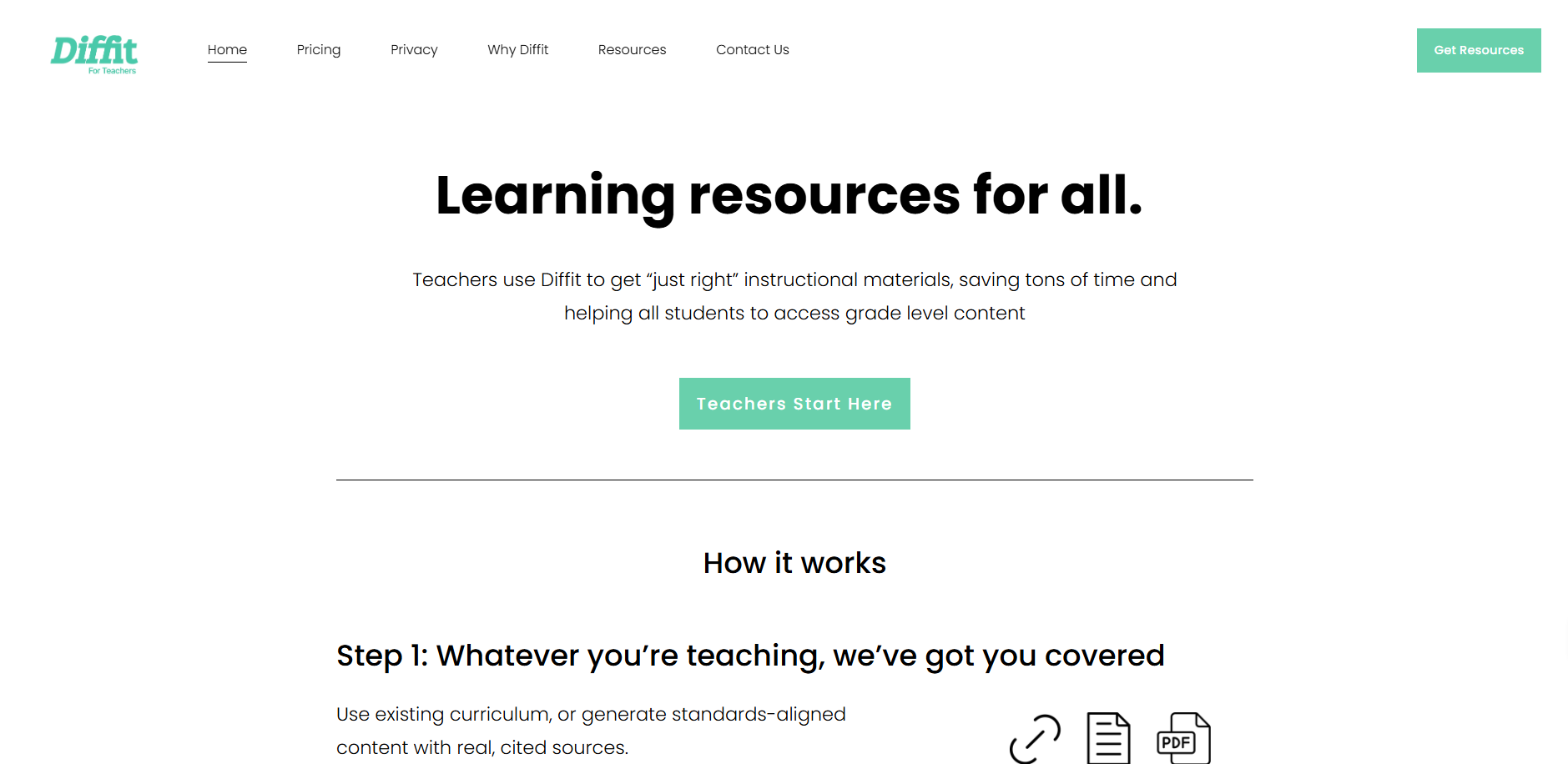
Transforms any text into multiple reading levels, one of the best tools for differentiated instruction and accessibility.
Features & Benefits:
- Takes any article or text and creates versions for 2nd through 11th-grade reading levels.
- Generates summaries, vocabulary lists, and comprehension questions automatically.
- Includes relevant images and graphics for visual learners.
- Excellent for special education teachers and mainstream differentiation.
- Google Classroom integration for easy distribution.
Pricing: Freemium model with basic features free. Premium plans starting at $5/month.
Building a custom AI platform for your school?
TRT builds custom EdTech applications for British International Schools and GCC institutions, from AI tutoring platforms to automated assessment tools.
Explore EdTech Development →Communication and Administrative Tasks
ClassDojo
Quick take: Best for: parent communication · Free
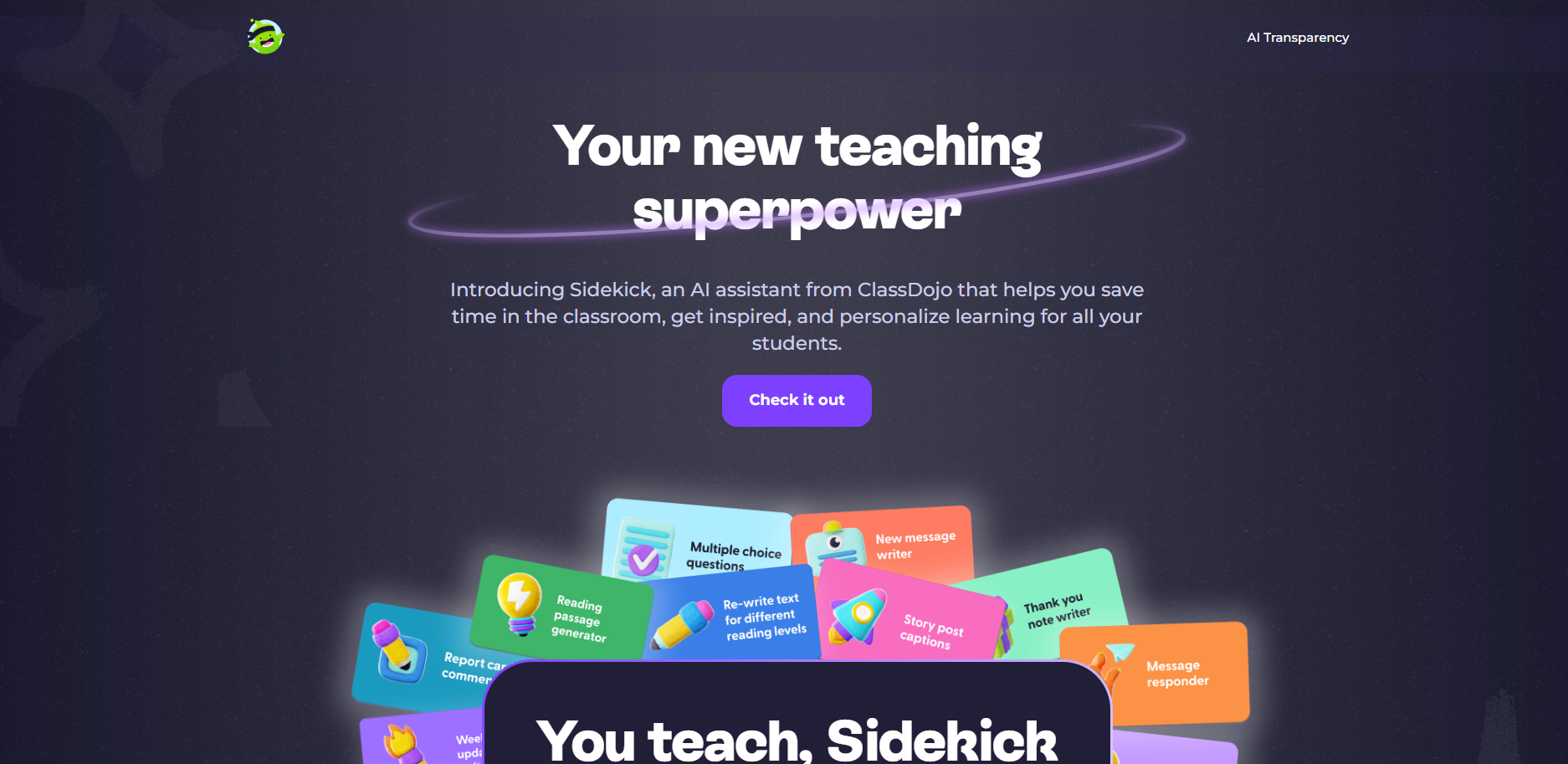
Parent communication platform with AI-powered message generation and translation capabilities for diverse school communities.
Features & Benefits:
- Generates positive parent messages and progress update templates.
- Translates communications into over 35 languages automatically.
- Tracks student behaviour and creates automated progress reports.
- Photo and video sharing capabilities for classroom updates.
- Safe messaging system with school administrator oversight.
Pricing: Free for basic features. Premium school features available through school-level plans.
Student Engagement and Interactive Learning
Curipod
Quick take: Best for: interactive lessons · Free tier: yes
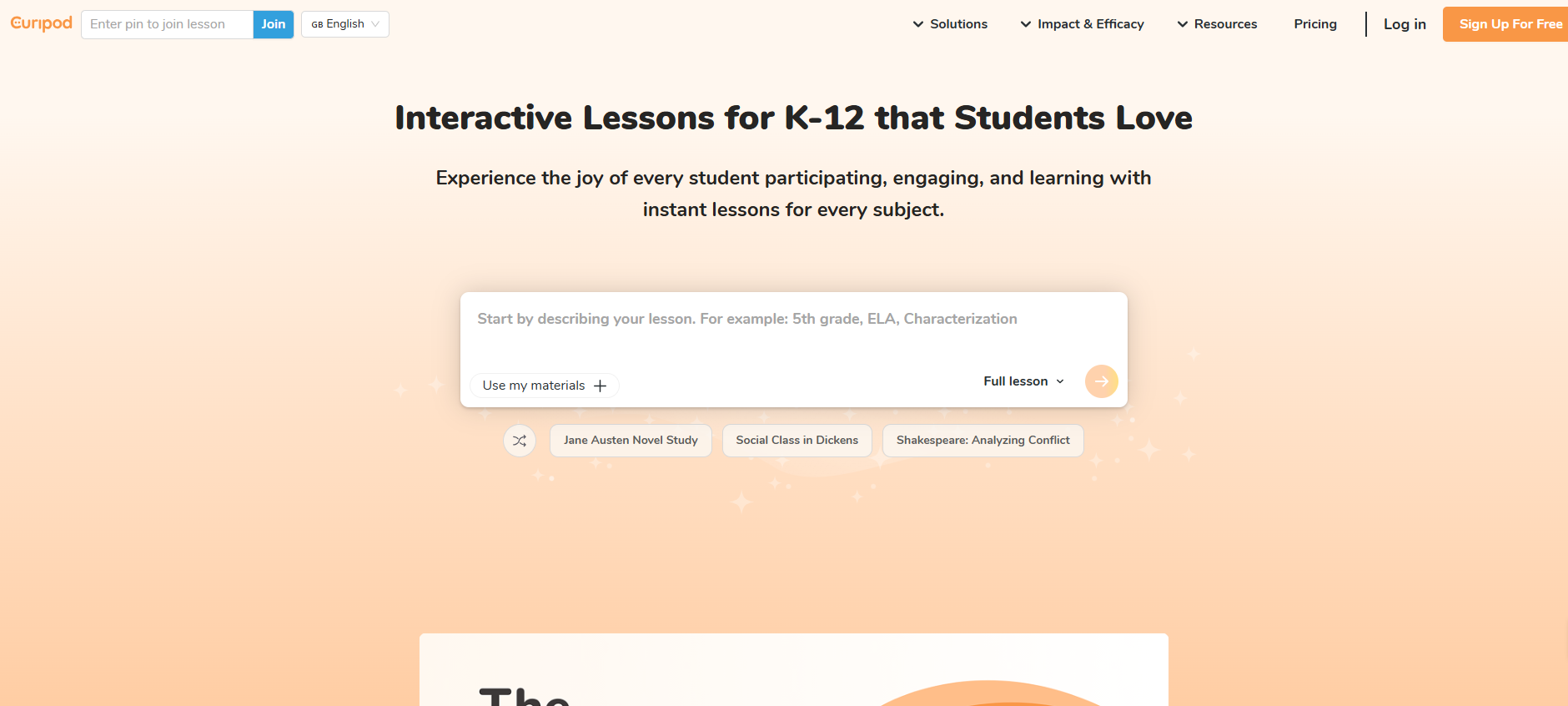
Creates interactive presentations with real-time polls, activities, and formative assessments that keep students genuinely engaged.
Features & Benefits:
- Real-time polls, word clouds, and drawing activities keep students engaged.
- Students participate using phones, laptops, or tablets.
- Instant feedback shows which students understand concepts.
- Anonymous participation encourages shy students to contribute.
- Pre-made interactive templates save preparation time.
Pricing: Free basic plan. Premium features at $7/month per teacher.
Kahoot AI
Quick take: Best for: quizzes and engagement · Free for teachers
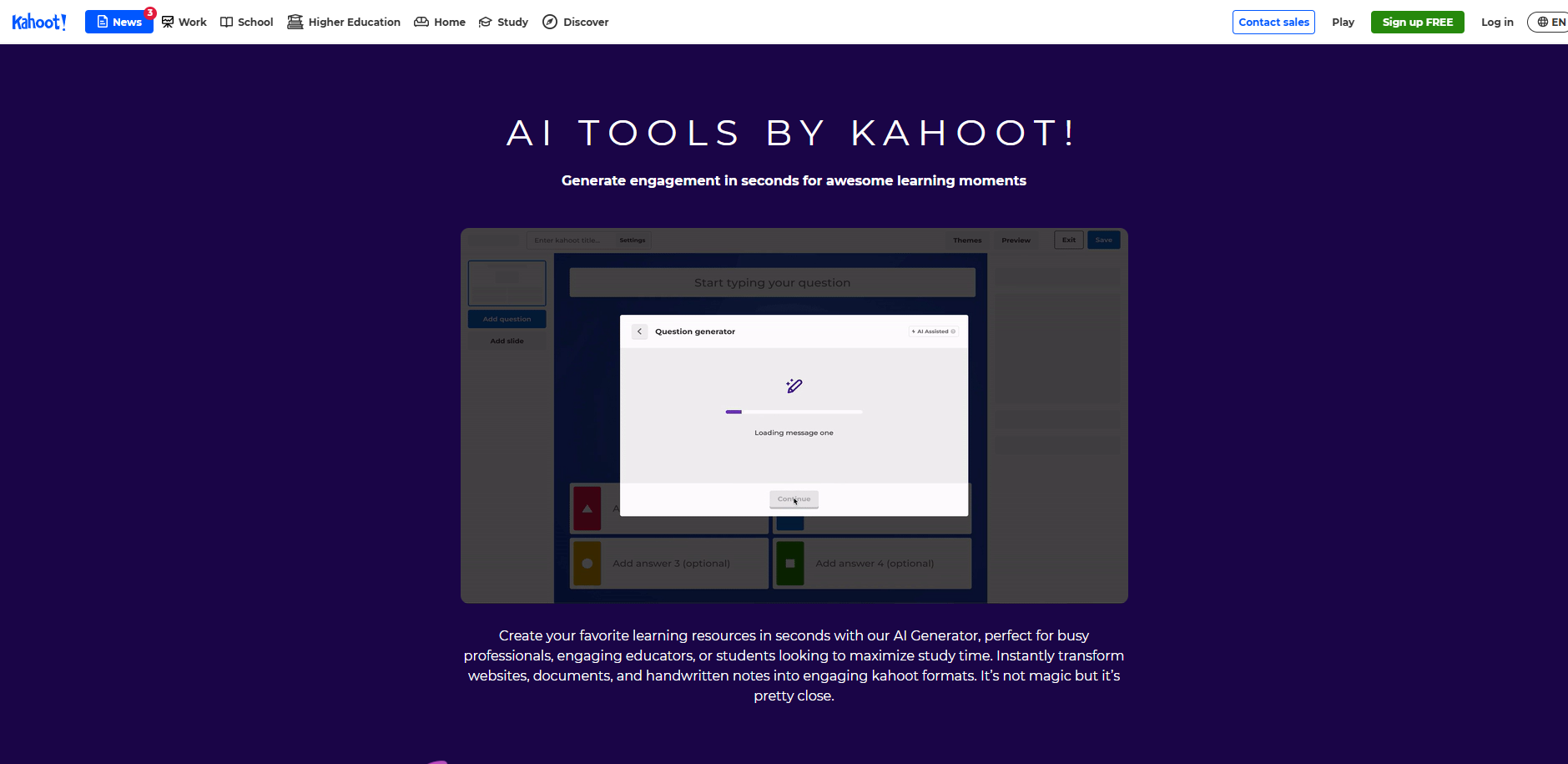
A gamified learning platform that uses an AI quiz generator to create engaging competitions and assessments across any subject.
Features & Benefits:
- AI question generation for any topic or subject area.
- Real-time student participation creates a competitive learning environment.
- Detailed analytics show individual and class-wide performance.
- Supports both in-person and remote learning formats.
- Extensive library of teacher-created content.
Pricing: Free for teachers. Premium school plans available.
Mentimeter
Quick take: Best for: live polls and participation · Free tier: yes
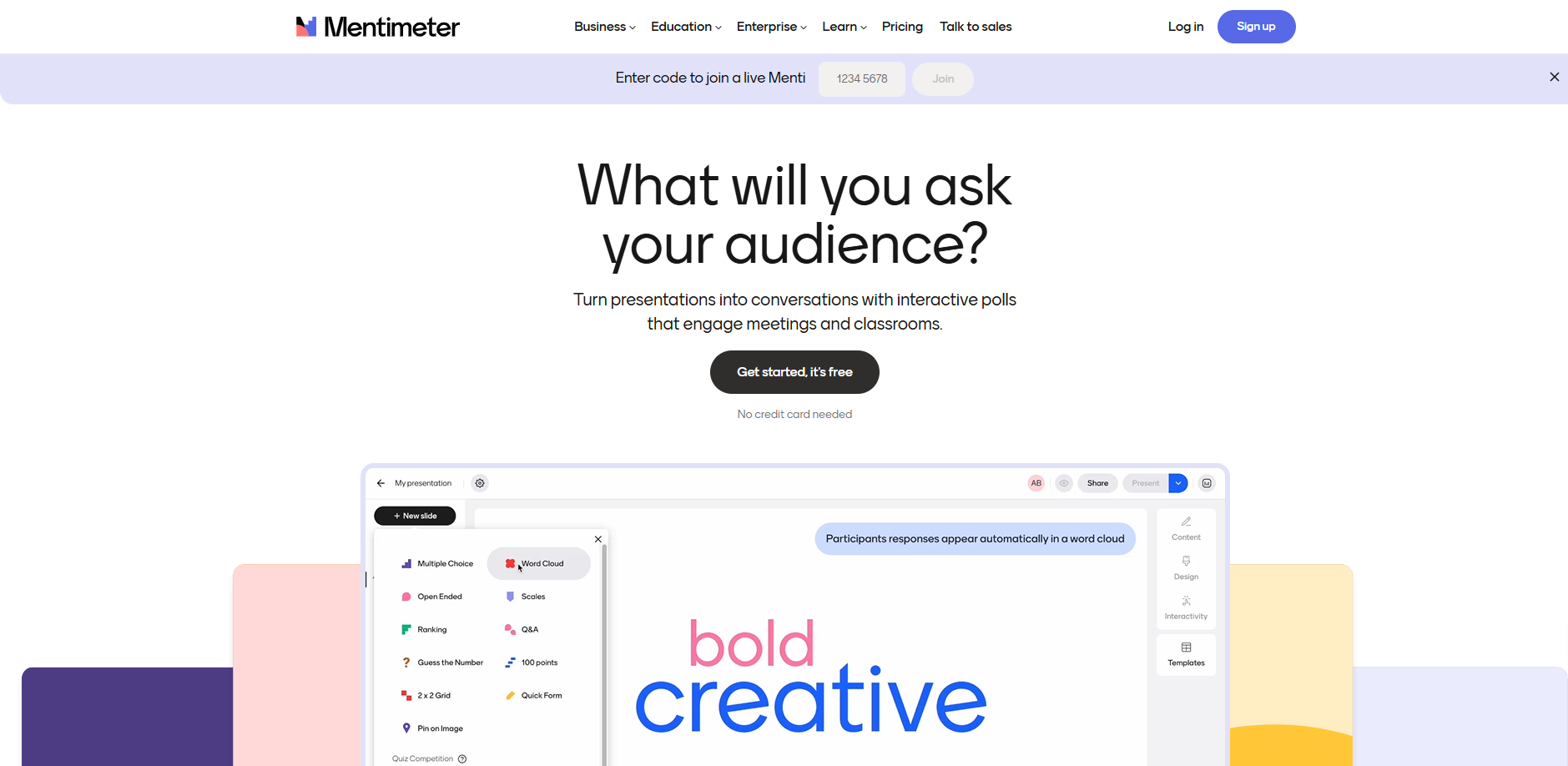
Live audience engagement tool that creates interactive presentations with real-time student responses.
Features & Benefits:
- Interactive presentations with polls, quizzes, and open-ended questions.
- Anonymous participation encourages honest student feedback.
- Real-time results help teachers adjust lessons on the fly.
- Export results for later analysis and parent conferences.
- Works on any device with internet access.
Pricing: Free tier available. Paid plans starting at $8/month.
Differentiation and Special Needs Support
Twee
Quick take: Best for: ESL and English materials · Free tier: yes
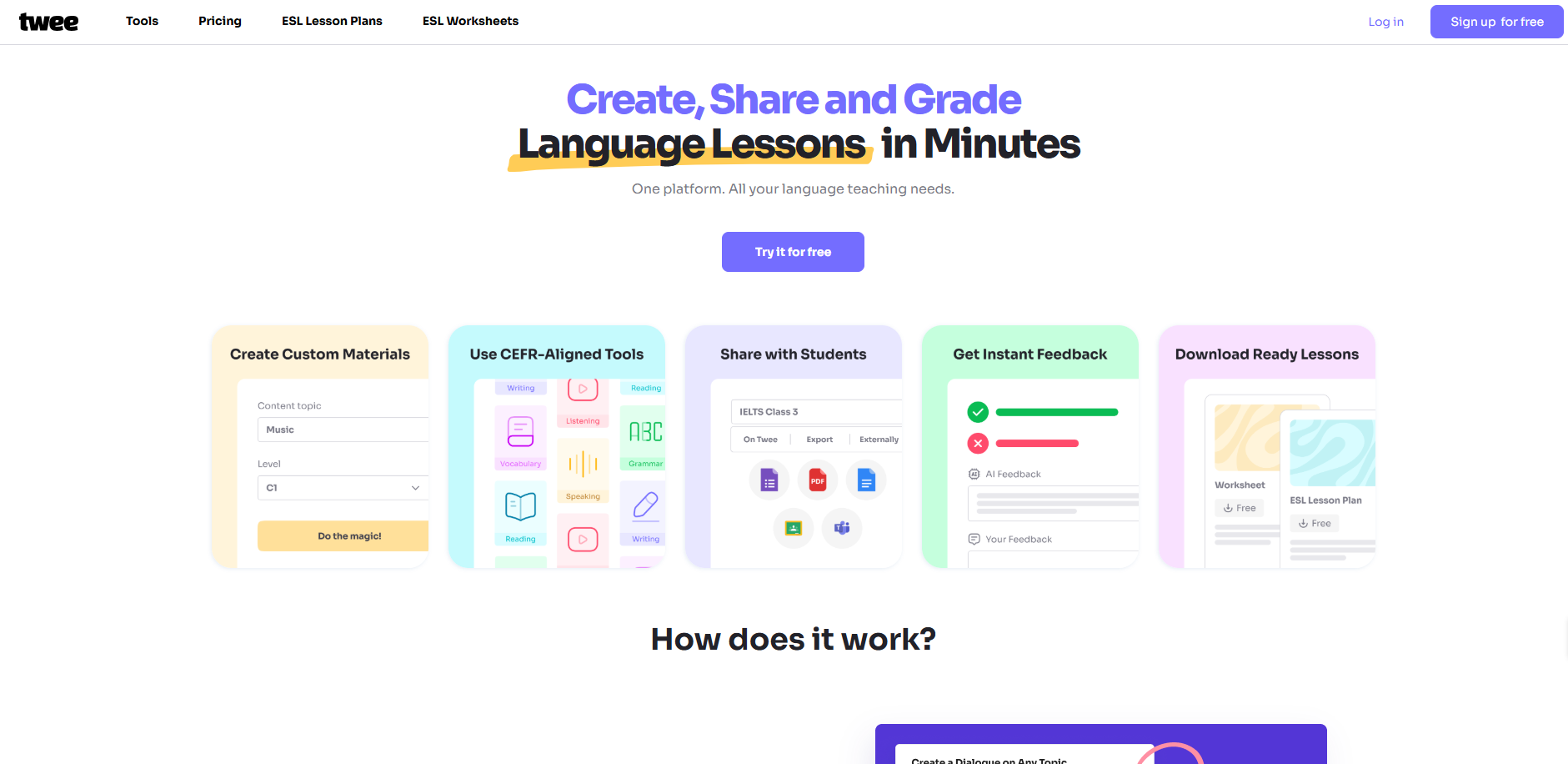
AI tools for ESL and language learning specialists that convert any content into comprehensive language learning activities.
Features & Benefits:
- Transforms articles, videos, or text into vocabulary exercises and comprehension activities.
- Adapts content for different English proficiency levels automatically.
- Creates grammar practice activities tailored to specific texts.
- Excellent for English language teachers and mainstream ESL support.
- Saves hours of material preparation time.
Pricing: Subscription-based pricing starting at $8/month for individual teachers.
Brisk Teaching
Quick take: Best for: inline grading in Chrome · Free extension
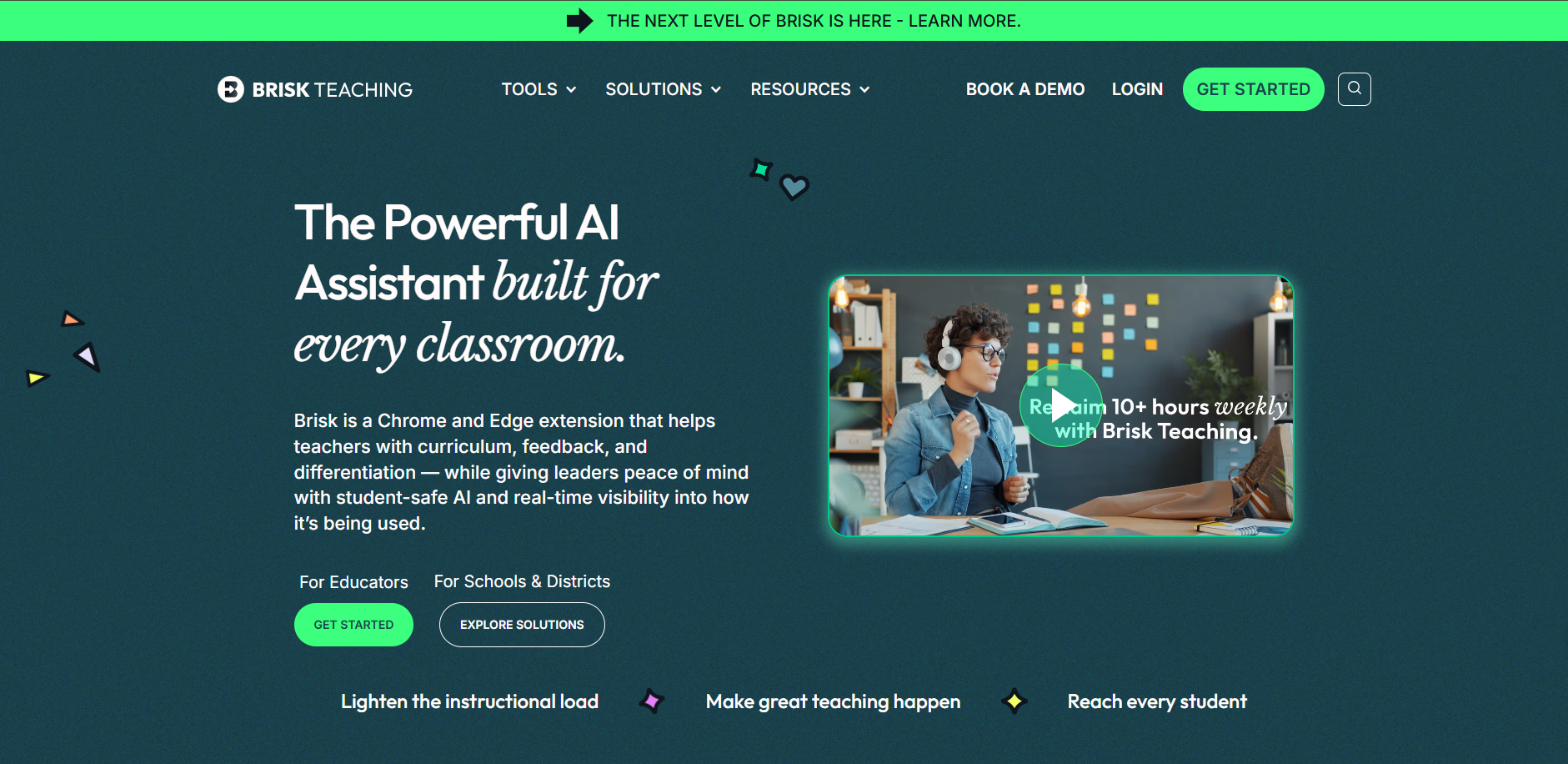
Browser-based AI assistant that works directly within Google Docs, Classroom, and other platforms teachers already use, no context-switching required.
Features & Benefits:
- Chrome extension provides AI assistance within existing workflows.
- Instantly adapts text for different reading levels.
- Creates graphic organisers and visual supports for diverse learners.
- Works directly in Google Classroom without switching platforms.
- Ideal for quick differentiation during lesson planning.
Pricing: Free browser extension. Premium features at $5/month.
AI Tools for Teachers in the UAE and Saudi Arabia (for UK and GCC schools)
British International Schools across the Gulf are rapidly adopting AI tools. Here's what's working in GCC classrooms:
Why GCC Schools Need Different Tools
- Multi-language support (English/Arabic).
- British curriculum alignment (EYFS, Key Stages, GCSE, A-Levels).
- Cultural sensitivity in AI-generated content.
- Time zone considerations for real-time features.
Top AI Tools for UAE/Saudi Teachers
- MagicSchool AI, Supports UK curriculum standards out of the box.
- Diffit, Excellent for EAL (English as an Additional Language) students.
- Twee, Built for schools with large ESL populations.
- Canva, Full Arabic text support for bilingual materials.
What Dubai and Riyadh Teachers Report
Teachers at British schools in Dubai and Saudi Arabia report saving several hours a week using AI tools (based on TRT client observations), with the biggest gains in:
- Creating differentiated materials for diverse classrooms.
- Generating parent communications in multiple languages.
- Building curriculum-aligned assessments for British qualification frameworks.
When not to use AI, and the risks to watch
- Student data: never paste pupil names or personal details into general tools like ChatGPT. Use education platforms covered by a data agreement with your school.
- Grading judgement: AI is strong on structured, right-or-wrong answers and weaker on nuanced essays. Review every grade before it is final.
- Hallucinated content: AI can invent facts, citations or quiz answers. Check anything that reaches students.
- Over-reliance: AI should remove busywork, not replace your subject expertise or your relationships with pupils.
Conclusion
AI tools don't replace the expertise, empathy, and judgement you bring to every class, they give you back the time to apply those skills more deliberately.
Based on TRT's work building custom EdTech platforms for British International Schools and GCC institutions, the schools that see the most meaningful improvement aren't the ones with the most tools. They're the ones that matched the right tools to specific problems and gave teachers time to adapt.
Start with one tool this week. Solve one pain point. Once that's routine, add the next. Your students will notice the difference well before you've worked through the full list.
If your school is evaluating AI platforms or needs a custom AI solution built for your curriculum framework, contact TRT to discuss custom EdTech development tailored to your institution's needs.
Ready to build a custom AI platform for your school?
Join education leaders who've built AI-powered learning platforms, automated grading systems, and multilingual communication tools with TRT. Let's map out your custom implementation.
Book a Free Consultation →
Related Reads
-
How AI Grading Systems Are Reducing Teacher Workload
A deep dive into how schools are cutting grading time by up to 80% with AI-assisted assessment platforms.
-
AI Agents for the Education Industry: Use Cases and Implementation
How autonomous AI agents are transforming student support, curriculum delivery, and administrative workflows.
-
Custom EdTech Development Solutions by Third Rock Techkno
How TRT builds bespoke AI-powered education platforms for schools and institutions worldwide.

